Start a Meeting
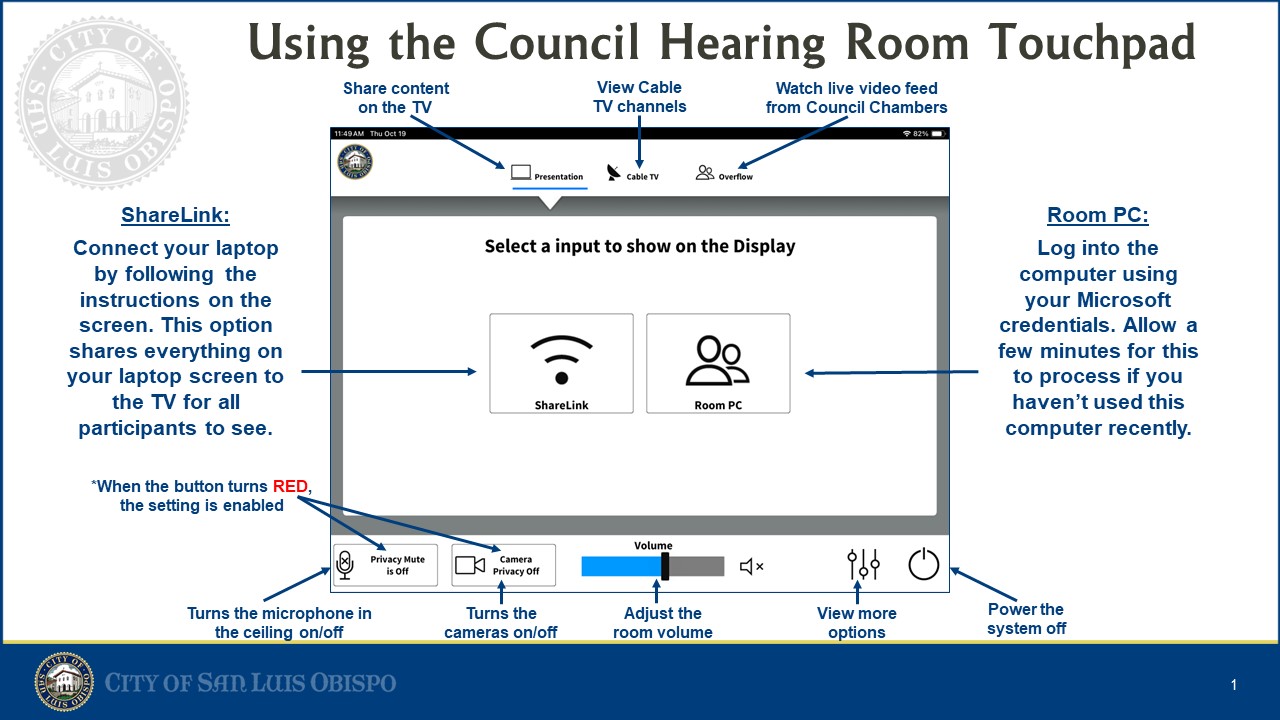
- Touch the control panel.
- Select Start Meeting.
- The display and camera will power on automatically.
Connect Your Laptop
- Connect the HDMI cable.
- Connect the USB-C adapter if needed.
- Select HDMI on the touch panel.
Wireless Presentation
Press Wireless Share on the touch panel.
Troubleshooting
- No image → Verify HDMI cable.
- No sound → Check room volume.
- Camera not working → Restart Teams.